Free listing
Put the essentials on the map.
C$0
Free per location- Branch address and directions
- Official website link
- Request factual corrections
Give nearby shoppers a way to find your branch, explore your menu and continue to your store. Manage your page yourself or have our team look after it.
Pay annually and get twelve months for the price of ten.
Put the essentials on the map.
C$0
Free per locationYour staff keeps the page current.
C$30
per location / monthFMP handles the upkeep for your team.
C$99
per location / monthReview your plan and tell us which location you represent. We use these details to verify your branch. Submitting a request is free.
Ask for “flower under $40,” then refine the results to best price per gram.
Your products can appear when their size and price fit a shopper’s request, even if the shopper has never searched for your shop.
See offers for matching packs together. Compare listed prices and check which branch supplied each offer.
A shopper can see exactly where your branch has the better price on a comparable pack.
Stay on one menu to compare pack sizes, prices and value per gram. Check THC and strain details when the source provides them.
Give staff one menu to share when a customer asks what fits their budget.
Add eligible items straight from search results. Switch shops and keep the selections you already made at each one.
Each cart stays with its store. A text order draft contains only the items selected from your shop.
Use a suggested search to get started, or type the product and size you already have in mind.
See the most frequent recorded search categories in your market over seven days and how often the menus matched. Use missed searches to decide what to list next.
Open your cart to prepare a text, follow the retailer’s ordering link, or call a listed branch to check stock.
Choose the handoff your team supports. Customers see where to go next and your team confirms availability.
What customers need to know depends on how you serve them. Choose your business to see what your page can do.

Give shoppers your coverage area, delivery fee and last order time before they open the menu. Your team can share one link when that question comes in again.
Explore this delivery storefrontPick a direction. We build around your name, photos and menu. Each shop has its own website link to share with customers. Open a sample to see how different designs look with real navigation and a browsable menu.
Take the Mimico search shown here. FindMyPlugs checks which sample shops serve that area, carry the requested size and strain, and fit the shopper’s budget. Open the results to see the matching item, the cost breakdown and the shop behind it.
Already take orders by text? A shopper can send their whole cart in one message. Run a dispensary with online checkout? Send them to your store with their selected items when your checkout supports it.
Your desk counts text opens and checkout opens separately. Your team confirms the order.
Set my ordering preference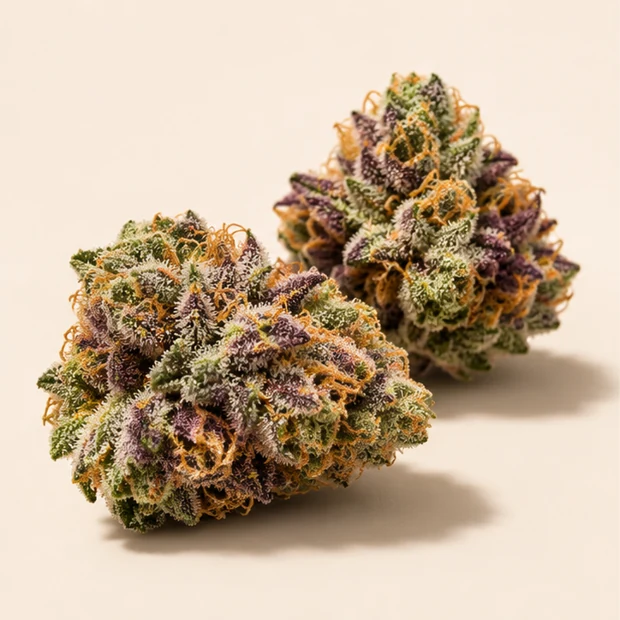 Pine Flower3.5 g · $34.99 CAD
Hi Lakefront Supply, I’d like 1 × Pine Flower (3.5 g) for delivery to Mimico. Items $34.99. Can you confirm availability and the delivery time?
Sample preview. The shopper can edit the message before sending.
Keep running the shop. Give us the details only you know, and we’ll turn them into a page your team can use every shift.